Universal courier access lockers: fees for extra time
Learn how Universal courier access lockers handle extra-time fees, full lockers, and lost pickup details—plus what to check before your parcel is delayed.

A crowded locker bank doesn’t automatically mean your parcel is out of reach. Universal courier access lockers don’t have one standard extra-time fee: whether a charge applies and how it’s calculated depend on the pickup terms for that locker. Check the delivery notice for the deadline and any applicable terms before your package is delayed or you lose the collection details.
This guide explains what can affect extra-time charges, what to do when every locker appears occupied, and how to recover access if you lose your locker number or pickup details. You’ll also learn how the process works, so you can identify the issue and know what information to have ready when you seek help.
Key Takeaways
- Find the locker location and pickup instructions tied to your delivery before heading out.
- Confirm delivery compatibility by understanding how the courier’s access process connects with the locker system.
- Use the recipient and location details required by the locker setup when addressing a parcel.
- If the locker bank is full or you’ve misplaced your pickup details, use the notification and delivery information to identify the next step.
Where can I find Universal courier access lockers in the United States?
The name alone won’t identify a locker location. Start with the delivery address or pickup location assigned to your package. A locker bank may serve a particular apartment building, office, campus, or retail property rather than operate as a public pickup point. For example, a delivery notice naming a building’s mailroom directs you to that property, not to another locker with a similar label.
Use the details attached to the delivery. Check the retailer’s order page, courier tracking updates, and pickup notification for the location name and street address. If the notice gives a building name but no locker-room directions, ask the property’s management team or reception where the parcel lockers are. In a multi-building complex, confirm the building and entrance before setting out.
- For an apartment: check the resident delivery instructions or ask the leasing office which locker area receives parcels.
- For an office: use the delivery address and ask reception or facilities staff for the designated package area.
- For a campus: match the notification’s building name to the campus map or the recipient’s delivery instructions.
- For a retailer: follow the pickup location shown in the order or courier notification, rather than assuming it is inside the store.
Before travelling, compare the street address, property name, and recipient details across your order and tracking notice. A mismatch may point to a different building or pickup arrangement. If the locker location is still unclear, use the courier’s delivery record to identify the destination, then contact the relevant property office with the recipient’s name and tracking details.
For property teams planning a locker area, make the location easy to identify. Include the building, entrance, and parcel-room location in courier instructions so drivers can find the correct access point. A well-placed locker bank is useful only when couriers can locate it and recipients know where to collect their parcels. Universal courier access lockers fit into a property-specific delivery setup, so accurate addresses and local directions matter as much as the lockers themselves.
Which courier companies can deliver to Universal access lockers?
“Universal” doesn’t mean every courier can use every locker bank. Delivery depends on whether the property’s locker system supports the courier’s access process and the driver can reach the designated delivery area. National carriers, regional delivery companies, and retailers’ own drivers may have different access arrangements at the same building.
Check the delivery details for the specific parcel. The retailer’s order page or courier tracking notice can show whether the parcel is addressed to the locker location or requires another delivery method. For example, a parcel sent to an apartment’s street address may follow the building’s package procedure, while a shipment addressed to a staffed reception desk may go there instead.
For a property team, assess compatibility by reviewing the delivery workflow, not just the courier’s brand name:
- Confirm the destination: make sure the carrier has the correct property, building, and package-room address.
- Review driver access: identify how couriers enter the property and reach the locker area.
- Check the handoff: determine whether the driver can complete the locker deposit using the system’s access process.
- Set an alternative: explain where parcels go if a driver cannot use the locker or the delivery needs another handoff.
These details matter because a locker can be physically available without being accessible to a particular driver. For instance, a secured office lobby may require an entry method supported by the delivery workflow. Clear instructions should identify the correct entrance, the locker location, and the required access steps.
Recipients can use the tracking record to understand an attempted delivery. If it shows a failed attempt or a different drop-off point, compare the listed address with the order details and follow the delivery notice. For property managers, documenting courier access procedures helps distinguish an access issue from a full locker bank or an incorrectly addressed package. The answer depends on the property’s setup, not just the courier company’s name.
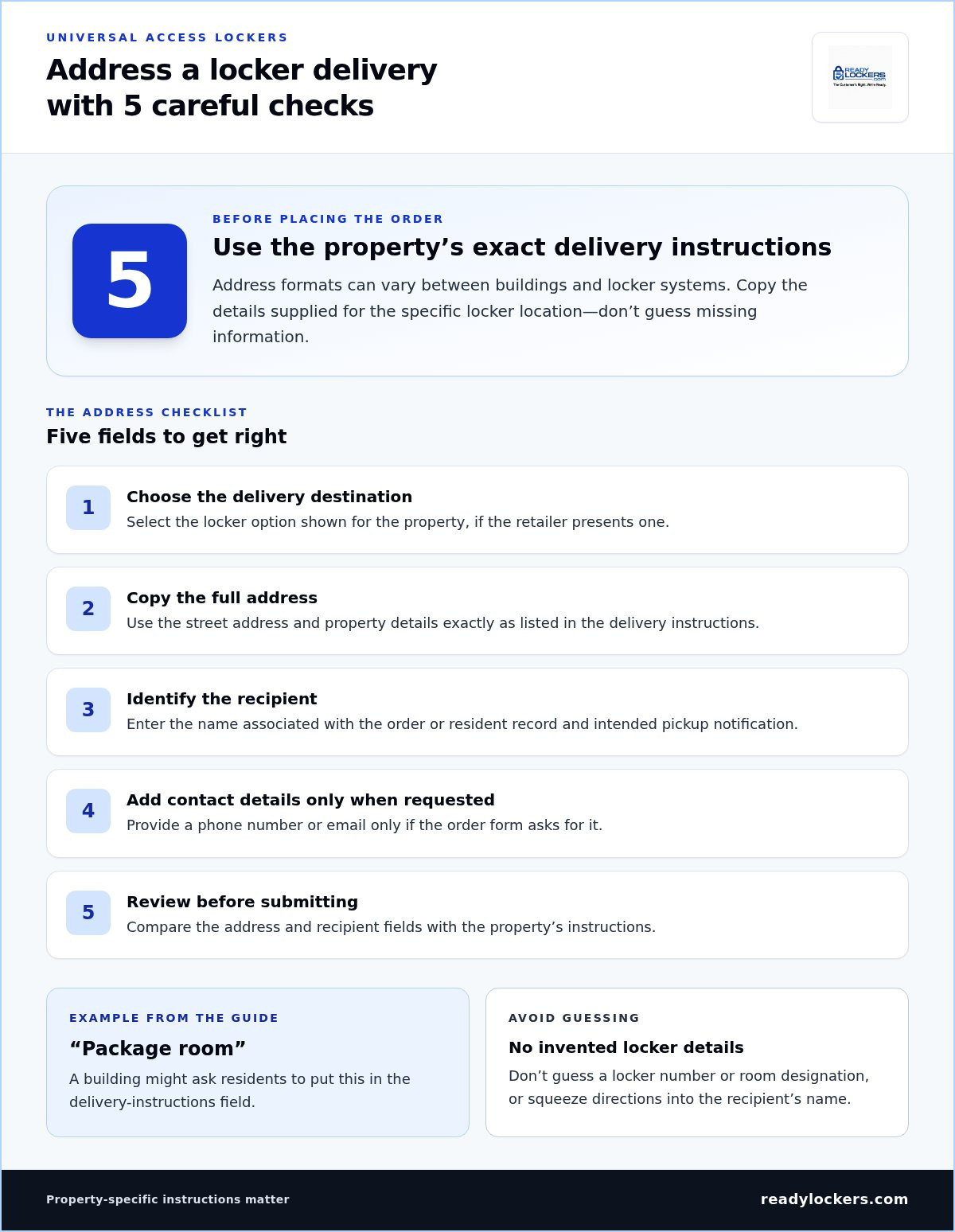
How to address a package for a Universal access locker
Use the exact delivery address and instructions supplied for the locker location. A locker label alone usually won’t direct a driver to the correct property. Start with the retailer’s checkout page or the property’s delivery instructions, then copy the destination details carefully. The required format can vary between buildings and locker systems.
Enter the recipient’s name as it appears on the order or resident record. Add the property’s street address, building name, and any locker-room or delivery directions provided. If checkout asks for a unit, suite, or access note, use the field specified by the property. Don’t guess a locker number or make up a room designation.
- Choose the delivery destination: select the locker option shown for the property, if the retailer presents one.
- Copy the address: use the full street address and property details from the delivery instructions.
- Identify the recipient: enter the name associated with the intended pickup notification.
- Add requested contact details: provide a phone number or email only when the order form requests it.
- Review before submitting: compare the address and recipient fields with the property’s instructions.
For example, a building might direct residents to use its street address and add “Package room” in the delivery-instructions field. Treat this as an example, not a universal format. If the form has no suitable field, don’t squeeze extra directions into the recipient’s name. Follow the checkout options that match the actual instructions.
Before placing the order, check that the selected destination belongs to the correct building. A property with separate entrances or multiple buildings may use different delivery directions. If a retailer’s form won’t accept the stated address, contact its support team about the address fields. Once the parcel ships, compare the tracking destination with your order details. Correcting a typo early can help prevent delivery to another entrance or recipient.
How do I pick up a package from a Universal access locker
Wait for the delivery notification before visiting the locker location. After a parcel is deposited, the recipient receives an SMS or QR code notification. Open it and review the pickup instructions, property address, and access details. Pickups are contactless and available 24/7, so use the instructions to access the locker without arranging a handoff.
At the locker bank, follow the displayed prompts and use the code or QR information supplied for your parcel. Take the package from the compartment that opens, then close its door securely. Don’t try other doors or guess a locker number. The access details are matched to the delivery.
- Keep the notification: save the message until collection is complete.
- Check the location: match the property name and address before travelling.
- Use the issued access method: follow the screen prompts for your code or QR code.
- Complete pickup: remove the parcel and close the compartment.
If you lose the locker number or message, search your SMS inbox and email for the delivery notice. Check the retailer’s order page or courier tracking record for the parcel’s status and destination. If you still can’t find the access details, give the property team or delivery support the recipient’s name and tracking information. These details help identify your parcel among other deliveries.
A crowded locker bank doesn’t necessarily block pickup. Use the access details for your own parcel; other occupied compartments aren’t part of your collection. If the assigned compartment won’t open, stop rather than forcing it. Recheck the notification and follow its troubleshooting instructions. If the issue continues, report the parcel’s tracking details and locker location to the property team.
Collect the package within the pickup period stated in its notice. If that period passes, whether an extra-time charge applies depends on the locker’s terms. Check the notice for the deadline and any instructions before making the trip.
ReadyLockers: Smart Package Lockers
ReadyLockers helps properties organize package delivery and recipient pickup through Smart Package Lockers and Locker Management Software. Its Courier Access Interface supports the courier handoff, while the Contactless Pickup System gives recipients a way to collect parcels without coordinating directly with a driver. These offerings are relevant when a property wants a defined process for deliveries, access, and collection in shared spaces.
For property managers dealing with crowded locker areas or unclear delivery access, a coordinated locker setup can make handoffs easier to manage. The right configuration depends on the property’s layout and package workflow. Contact ReadyLockers to discuss smart package lockers for your property.
Make package access easier to manage
For property teams, treat locker access as part of the broader delivery workflow. Clear access procedures, recipient notifications, and a defined pickup process make Universal courier access lockers easier to manage in shared spaces. ReadyLockers offers Smart Package Lockers, Locker Management Software, and a Contactless Pickup System for properties planning this kind of package-handling setup.
Consider how packages enter your property, how recipients learn they’re ready, and what happens when a locker is unavailable. Those decisions can help shape a system that fits your building’s daily operations. Contact ReadyLockers for help exploring a practical approach for your property.
Frequently Asked Questions
What do I do if the lockers are too crowded?
If the locker area looks crowded, check your parcel’s tracking status before taking action. A crowd of people doesn’t necessarily mean your assigned compartment is inaccessible. Follow the access instructions for your own delivery, and don’t open or remove another recipient’s parcel. If the system won’t release your package, note the locker location and tracking details, then report the access problem to property management.
What are Universal courier access lockers?
Universal courier access lockers are secure parcel compartments that let couriers deposit deliveries for recipients to collect. The locker system manages access, linking the courier’s delivery to the recipient’s collection details. “Universal” describes the intended access approach, not a guarantee that every courier can use every locker. The property’s setup and driver-access process determine how a delivery is handed over.
How long can a package stay in a Universal locker before pickup?
There’s no single pickup period for every locker location. The property or locker operator sets the collection window, and the delivery notification should state the applicable deadline. Check that message when it arrives rather than relying on another building’s policy. If you’ll be away, review the property’s package-handling instructions to understand what happens after the pickup window ends.
Are there fees for using Universal courier access lockers?
Any charge depends on the locker location’s terms. A property may allow pickup within a stated window and apply a charge if a parcel remains beyond it, but the rules vary by site. Read the delivery notice for the deadline and any extra-time terms. Don’t assume every locker has a fee or that one property’s policy applies elsewhere.
What happens if a locker is full, a delivery fails, or a package is not collected?
The next step depends on the delivery status and the property’s handling process. If tracking shows a failed attempt, check the courier’s update for what to do next. If a parcel remains uncollected, the property’s stated terms govern its handling after the pickup deadline. Keep the tracking record and delivery notice handy; they help staff identify the parcel and clarify its status.

Frequently Asked Questions
What do I do if the lockers are too crowded?+
If the locker area looks crowded, check your parcel’s tracking status before taking action. A crowd of people doesn’t necessarily mean your assigned compartment is inaccessible. Follow the access instructions for your own delivery, and don’t open or remove another recipient’s parcel. If the system won’t release your package, note the locker location and tracking details, then report the access problem to property management.
What are Universal courier access lockers?+
Universal courier access lockers are secure parcel compartments that let couriers deposit deliveries for recipients to collect. The locker system manages access, linking the courier’s delivery to the recipient’s collection details. “Universal” describes the intended access approach, not a guarantee that every courier can use every locker. The property’s setup and driver-access process determine how a delivery is handed over.
How long can a package stay in a Universal locker before pickup?+
There’s no single pickup period for every locker location. The property or locker operator sets the collection window, and the delivery notification should state the applicable deadline. Check that message when it arrives rather than relying on another building’s policy. If you’ll be away, review the property’s package-handling instructions to understand what happens after the pickup window ends.
Are there fees for using Universal courier access lockers?+
Any charge depends on the locker location’s terms. A property may allow pickup within a stated window and apply a charge if a parcel remains beyond it, but the rules vary by site. Read the delivery notice for the deadline and any extra-time terms. Don’t assume every locker has a fee or that one property’s policy applies elsewhere.
What happens if a locker is full, a delivery fails, or a package is not collected?+
The next step depends on the delivery status and the property’s handling process. If tracking shows a failed attempt, check the courier’s update for what to do next. If a parcel remains uncollected, the property’s stated terms govern its handling after the pickup deadline. Keep the tracking record and delivery notice handy; they help staff identify the parcel and clarify its status.